


iGreen+ App
Find a charger. Manage your charge. Keep your journey moving.


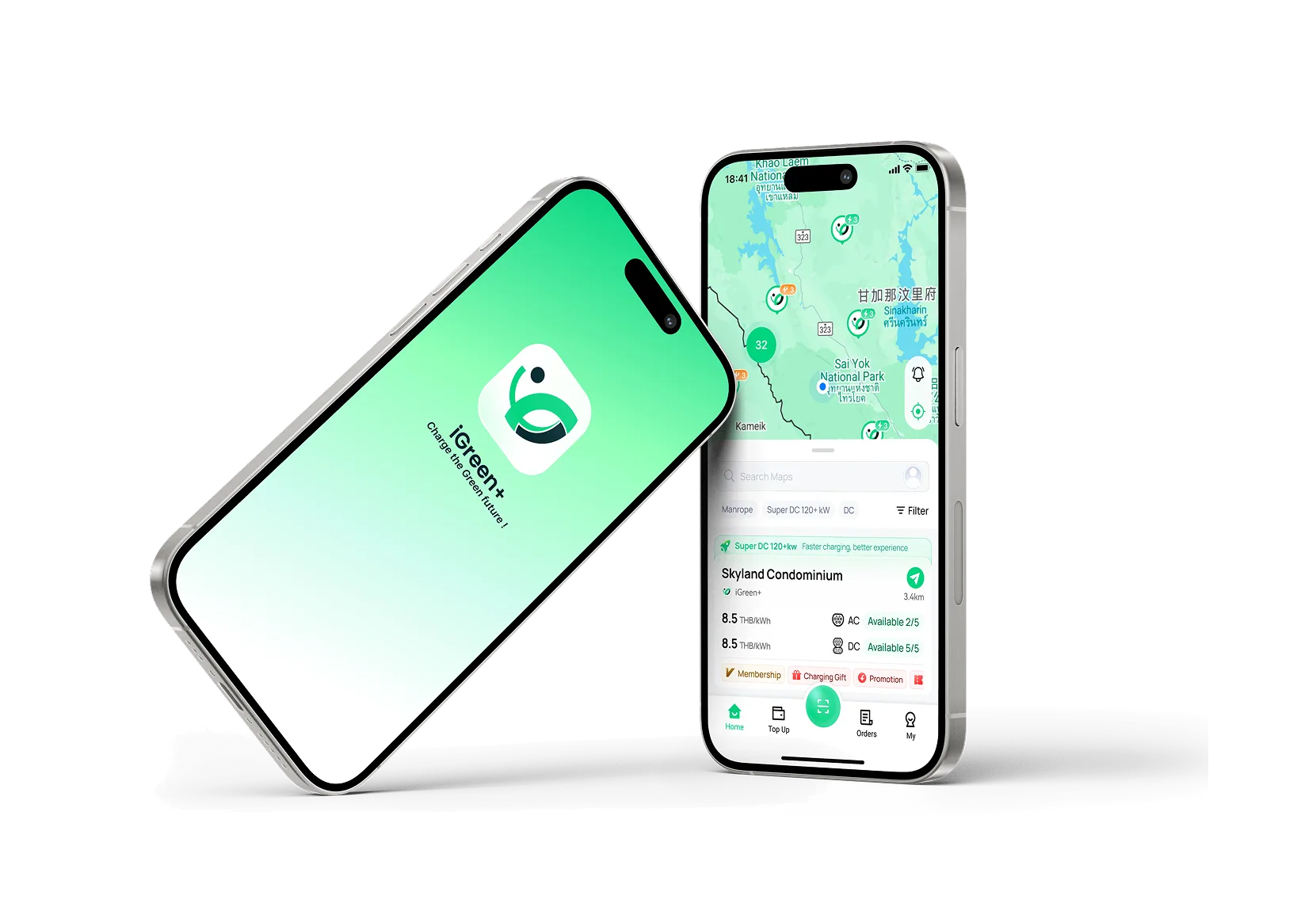
Made for your everyday journeys.
01
Before you go
Find a suitable charger for your commute, shopping stop or an unfamiliar area. Check the map, filter options and navigate to your stop.
02
While you charge
Follow progress, energy use and cost on your phone. Manage your session and stop charging when you need to.
03
After every charge
Review session and transaction details to keep track of energy and spending. Get in-app help when you need it.
Your charging essentials, connected.
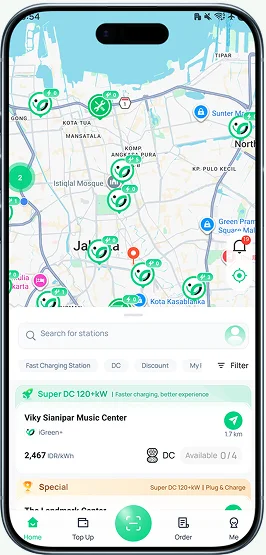
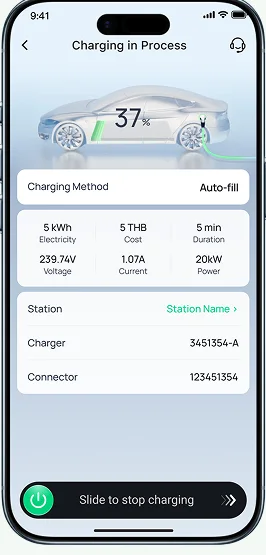
Official app screens shown for illustration. Check the app for current stations, prices and status.
01Find and navigate
Search by location, use filters to choose a suitable charger, then open map navigation.
02Start and manage
Start or stop a session in the app. Follow energy use, elapsed time and cost as you charge.
03Pay and review
Use locally supported payment methods and review your charging and transaction records.
04Plan and get help
Check reservation options at supported stations, and access in-app support when you need assistance.
- Features and payment options vary by country, account, vehicle and station. Availability is shown in your local app.
Ready for your next charge?
Download iGreen+ from an official store, select your country or region and follow the in-app registration steps.
01Install the app
Download from an official store.
02Choose your market
Explore local stations and services.
03Find and charge
Follow the instructions at the station.
Get iGreen+

The QR download entry is pending an official unified URL. Use the store buttons for now.